 ThisHaircut
Match texture and thickness first
Look for photos where the hair is similar to yours: straight, wavy, curly or coily, and fine or thick. The same cut can look very different on different hair, and a photo of hair like yours is the most honest preview you can bring.
Look past the styling and color
Many photos show hair right after a blow-dry with a round brush, curling iron or extensions. Ask yourself whether you like the cut or the styling. If it’s the cut, say so; if it’s the styling, ask your stylist how to get close to it at home.
Color changes how a cut looks, especially layers. Highlights make movement visible that a single color hides.
Show more than the front
Most saved photos are front-facing selfies, but the back and sides decide much of the cut. Search for the same style from behind or in profile, or ask your stylist to show you a mirror view of the back before they finish.
Mark what you mean
For each photo, decide the one or two things you like: the length, the face-framing pieces, the fringe, the shape at the back. Write them down or mark them on the photo. Add one photo of what you don’t want, such as a cut that went too short last time.
Crop out the distractions
Screenshots come with captions, buttons and other people. Crop to the hair so your stylist sees the cut first, and keep the original in case they want to see the whole picture.
Save and mark your photos in ThisHaircut
Keep your screenshots as looks, add a side or back photo, crop to the hair, and pin labels on the exact spots you mean. Mark a look Want or Not this, and it carries into the card for your stylist.
iPhone and Android · Free to save looks · No account needed
See how ThisHaircut works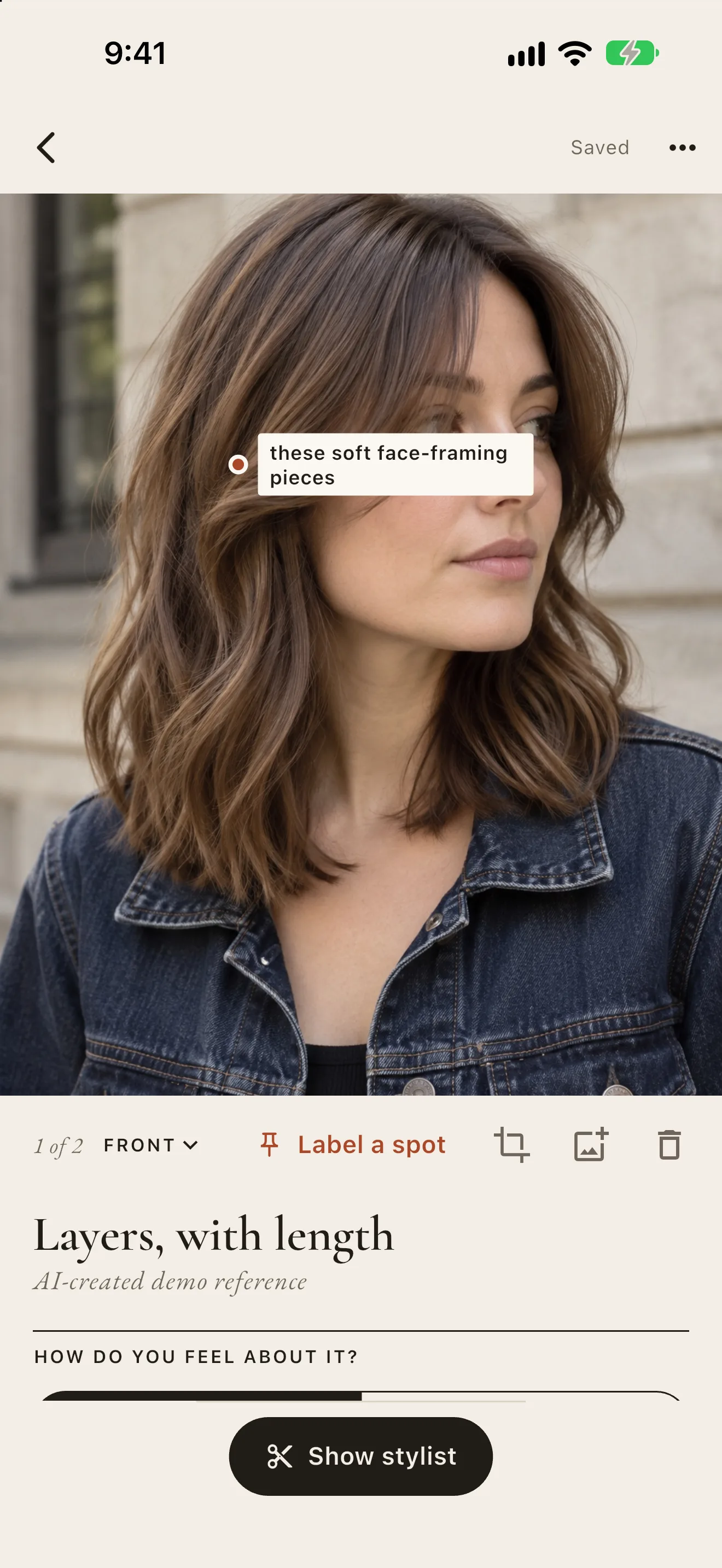
Questions
How many reference photos should I bring?
Two or three of the cut you want, ideally including one from the side or back, and one photo of what you don’t want. More than that tends to confuse rather than help.
Can I try a cut on my own photo first?
Yes. Try it on me in ThisHaircut puts a saved look on a photo of you and keeps your face and hair color, so you can see the length and the fringe on your own face before you book.