Skip to content
ThisHaircut

ThisHaircut

Get the haircut you actually asked for.

Keep the looks you love, mark what you want and what you don’t, and hand your stylist a clear card in their own language. You can even try the cut on a photo of yourself first.

iPhone and Android · Free to save looks · No account needed

Available in 8 languages

  • English
  • Español
  • Français
  • Deutsch
  • 简体中文
  • 繁體中文
  • 日本語
  • 한국어

01 Your looks

All those screenshots, finally in one place.

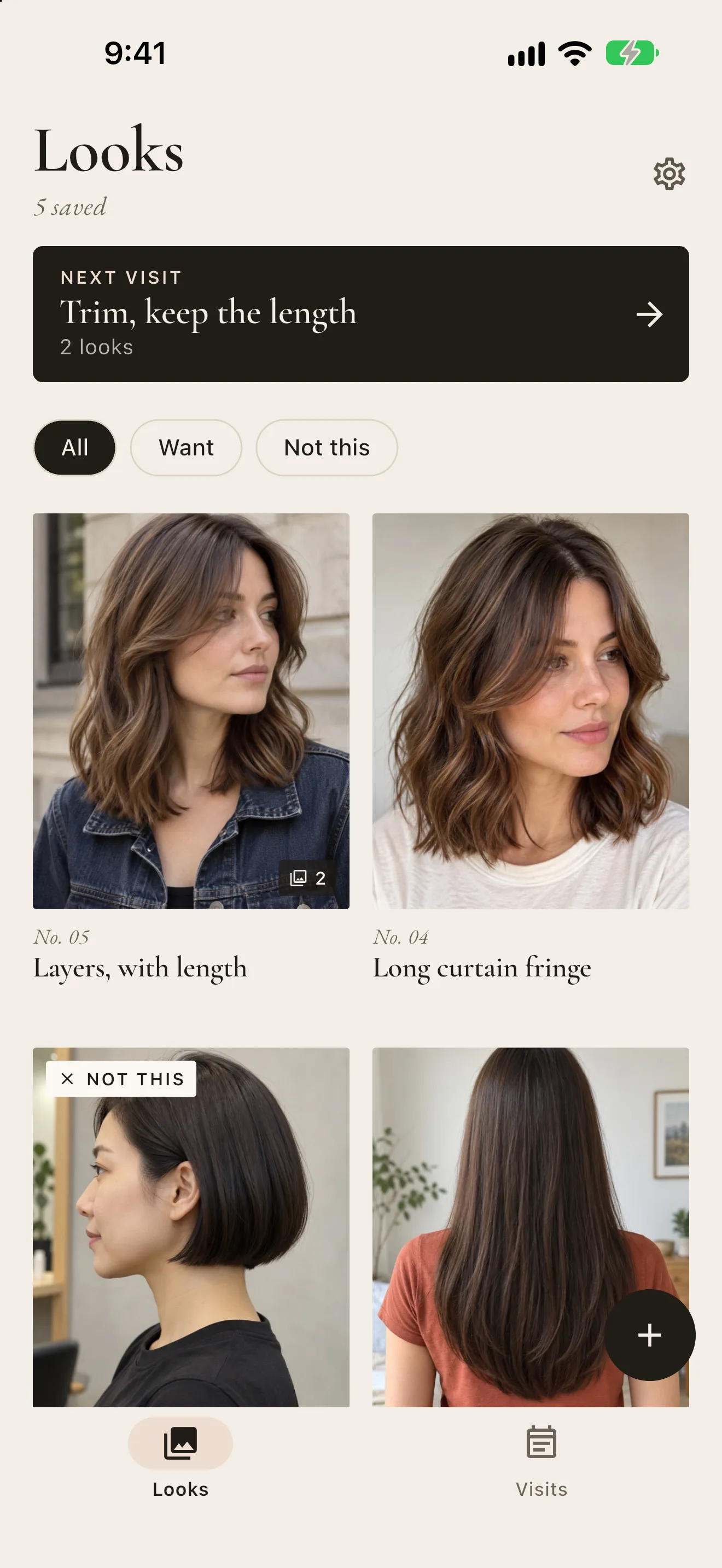
Save haircut photos from your camera or your photo library into a private library of looks. Give each one a name and a note while you still remember what caught your eye.

  • Several photos per look: front, side, back, or a close-up
  • Mark each look Want or Not this, and filter by either
  • Crop to the hair so nothing else distracts
ThisHaircut Looks tab: the next visit, Want and Not this filters, and numbered looks including a jaw-length bob marked Not this

02 Labels and notes

Point at exactly what you mean.

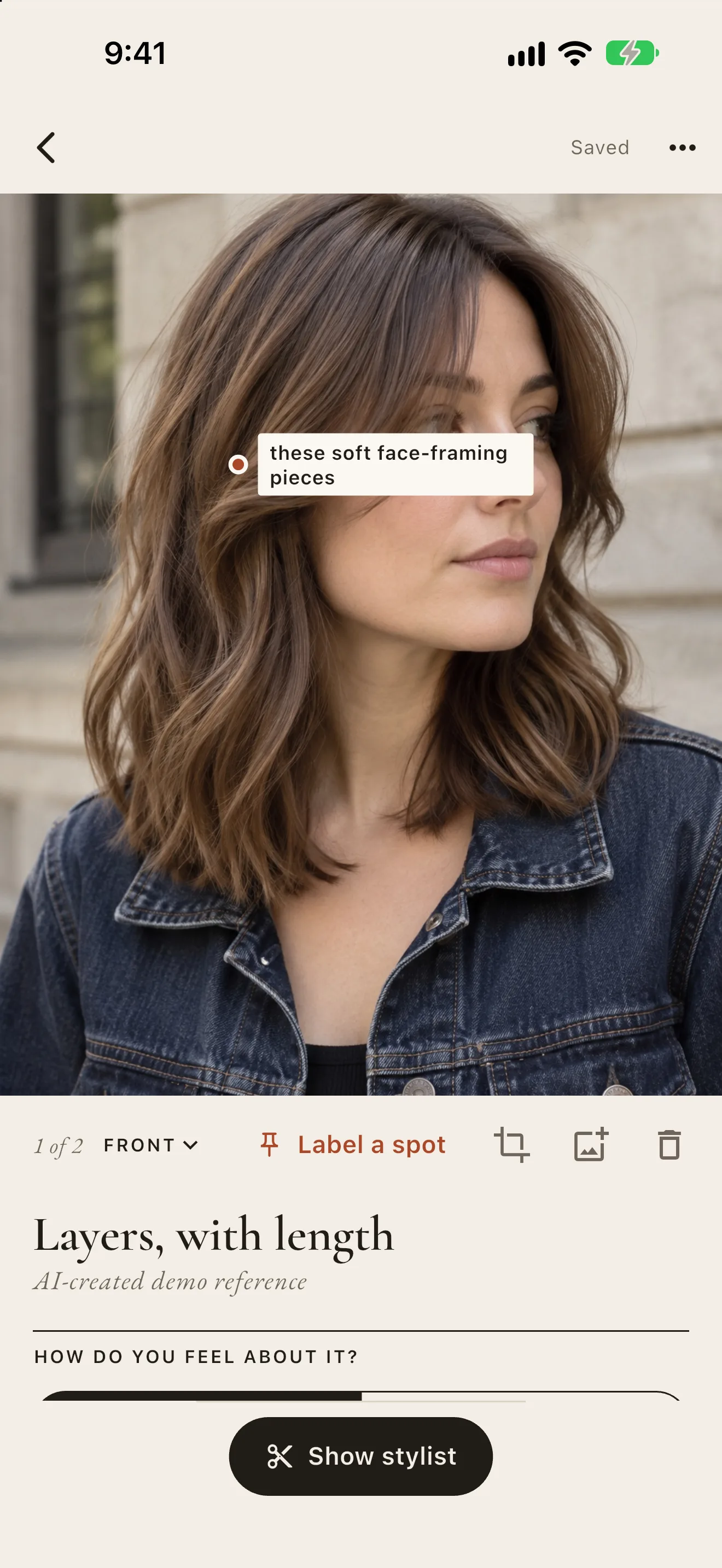
“Shorter” means something different to everyone. Tap the spot in the photo and say what it is: the fringe you love, or the blunt edge you want to stay away from.

  • Pin labels on any photo of a look
  • Write notes in your own words, in any mix of languages
  • Not this looks become clear warnings for the visit
ThisHaircut look detail: shoulder-length layers with the label these soft face-framing pieces pinned on the photo, tools to label a spot and crop, and the look named Layers, with length
A saved look of a blunt jaw-length bob marked Not this, with a label on its edge✕ Not this
not this blunt edge

03 The stylist card

A card your stylist can read, in their language.

The AI reads your looks, labels and notes and writes a short card: what to ask for, what to avoid, and questions worth asking before the first cut. Your own language sits under every line, so you know what you are handing over.

Real cards the AI wrote from these demo looks. Try a language:

Keep the movement, skip the blunt bob.

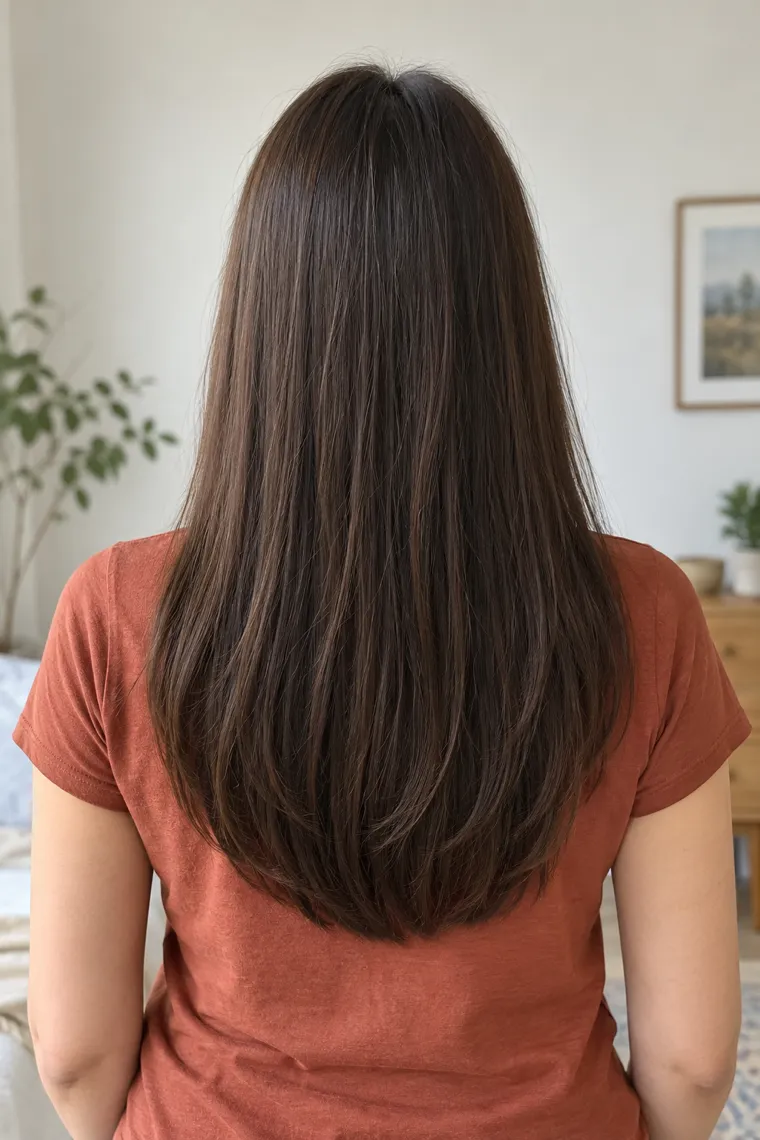
  1. Shoulder-length soft layers with face-framing piecesWant

    No. 1I want the soft movement and shoulder length.

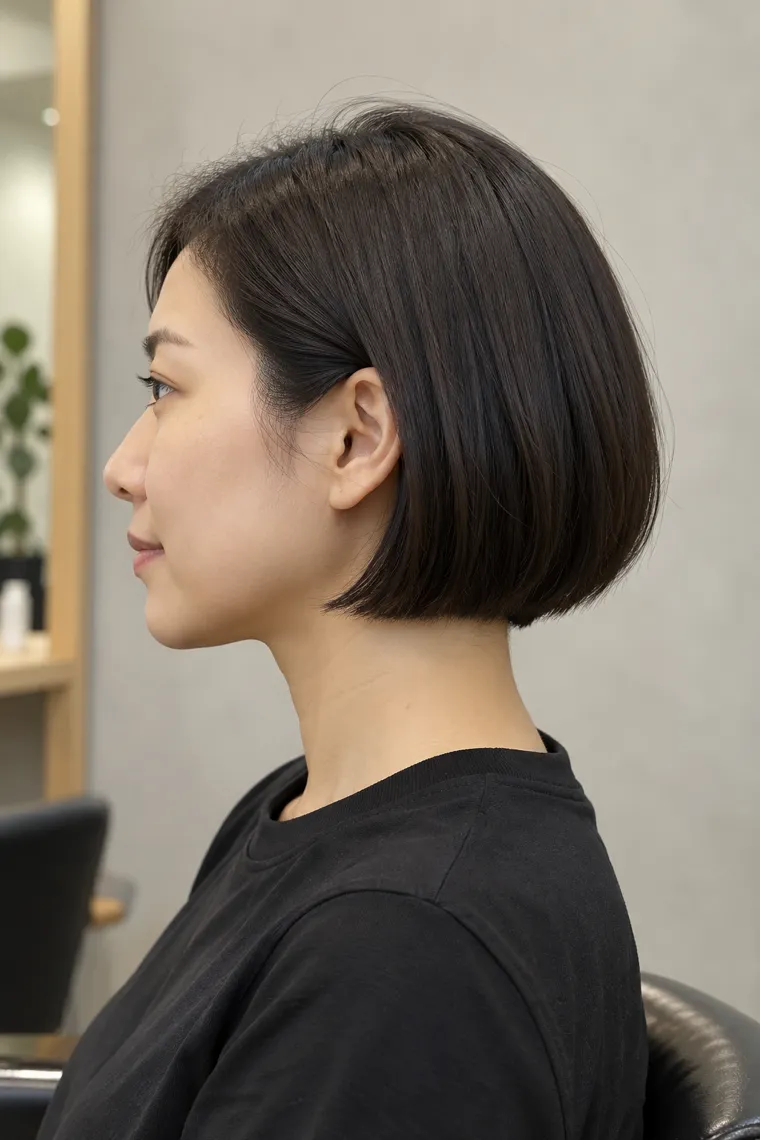
  2. A blunt jaw-length bob seen from the sideNot this

    No. 2This is too short for me; do not copy this length or blunt edge.

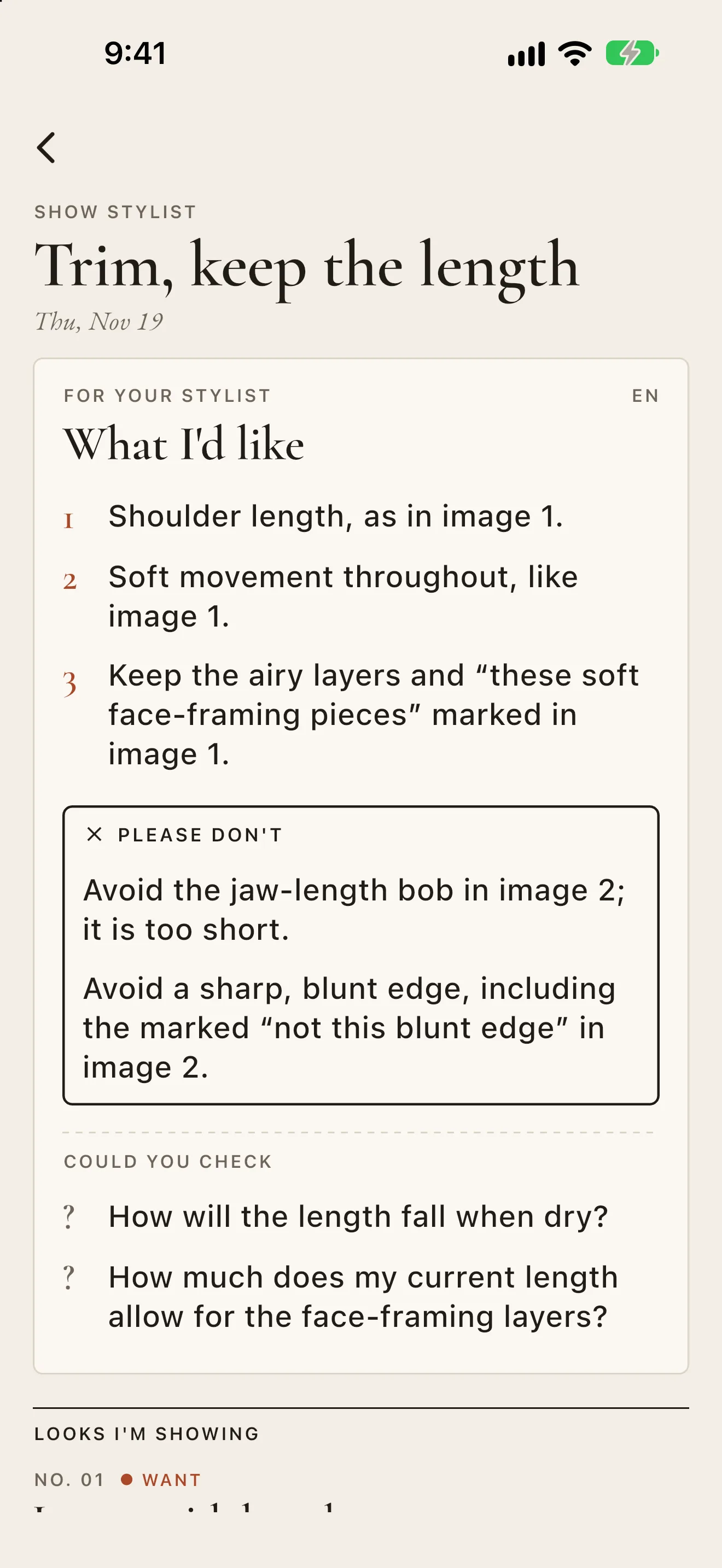
For my stylistAI-written · editable

Ask for

  1. Shoulder length, as in image 1.
  2. Soft movement throughout, like image 1.
  3. Keep the airy layers and “these soft face-framing pieces” marked in image 1.

Please don’t

  1. Avoid the jaw-length bob in image 2; it is too short.
  2. Avoid a sharp, blunt edge, including the marked “not this blunt edge” in image 2.

Questions

  1. How will the length fall when dry?
  2. How much does my current length allow for the face-framing layers?
  • Dozens of languagesRegional variants included, or type any language
  • Yours to editChange, delete or add lines for free
  • Questions to ask firstWhat to confirm before the scissors come out

04 Try it on me

See the cut on you before you ask for it.

Pick a saved look and a photo of yourself. The AI keeps your face and your hair color and changes only the cut, so you can tell if the length or the fringe really suits you before you sit in the chair.

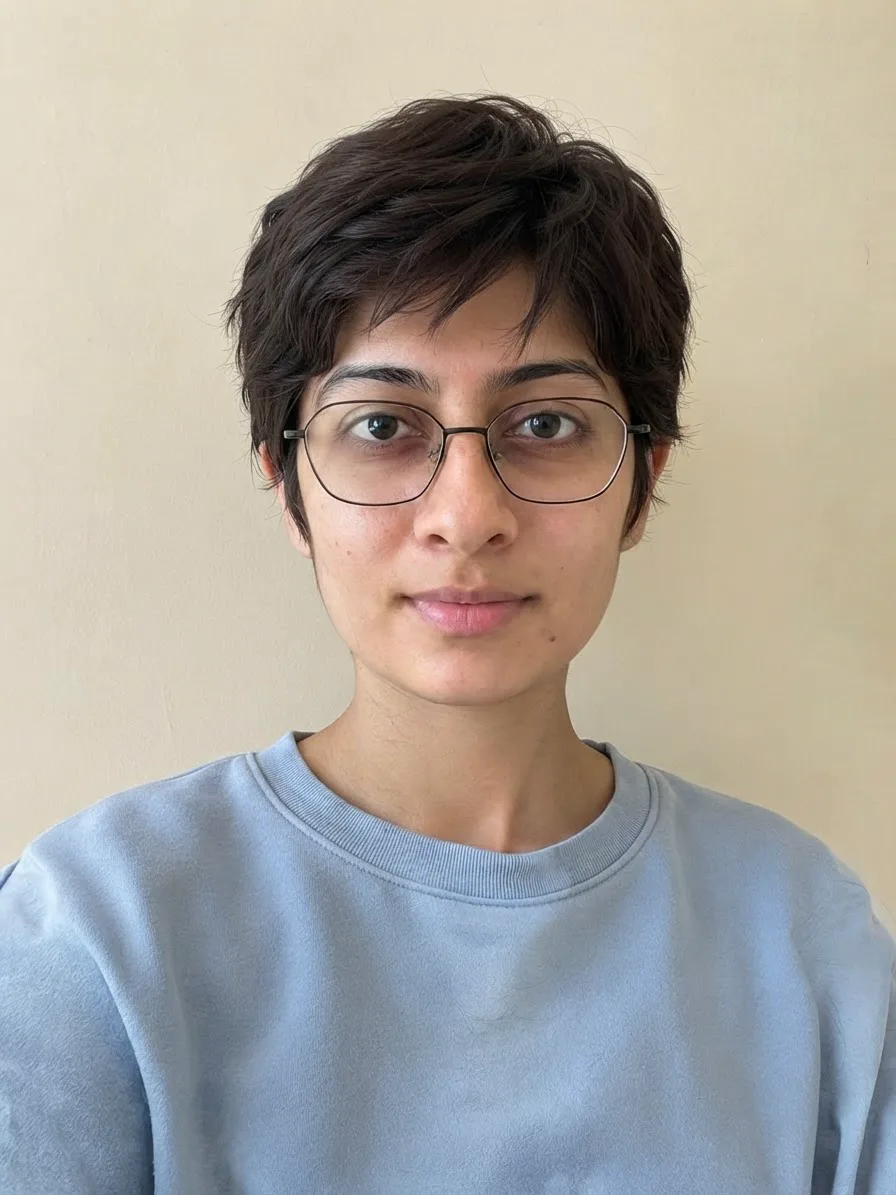
Her photo: long waves, glasses onHer photo
Saved look: a short pixieThe look
AI preview: the pixie cut on her own photo, same face and hair colorAI preview
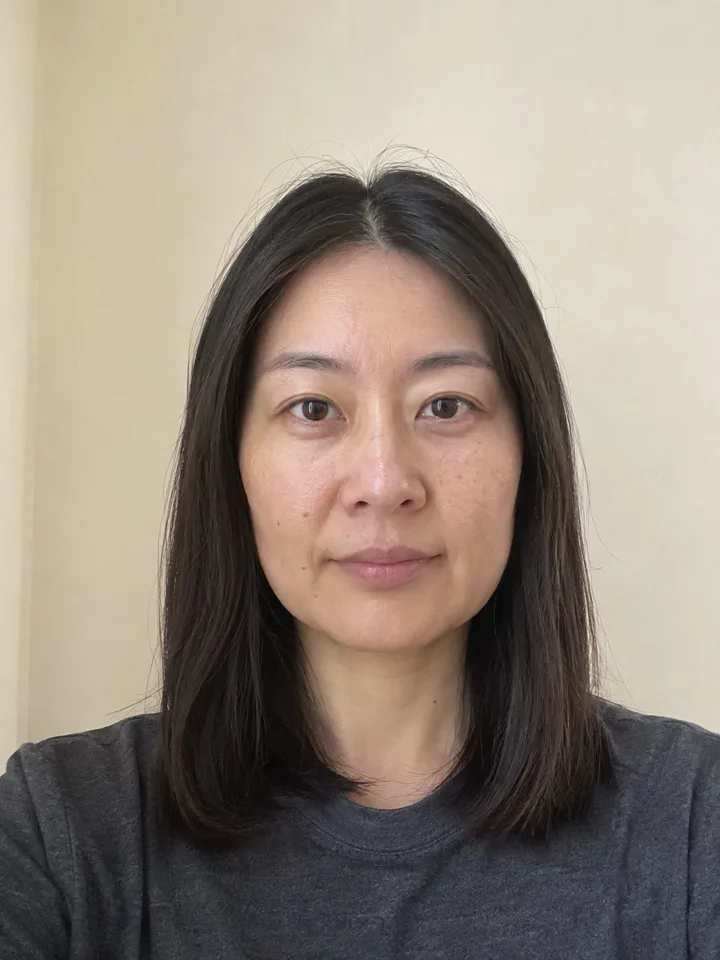
Her photo: straight, shoulder lengthHer photo
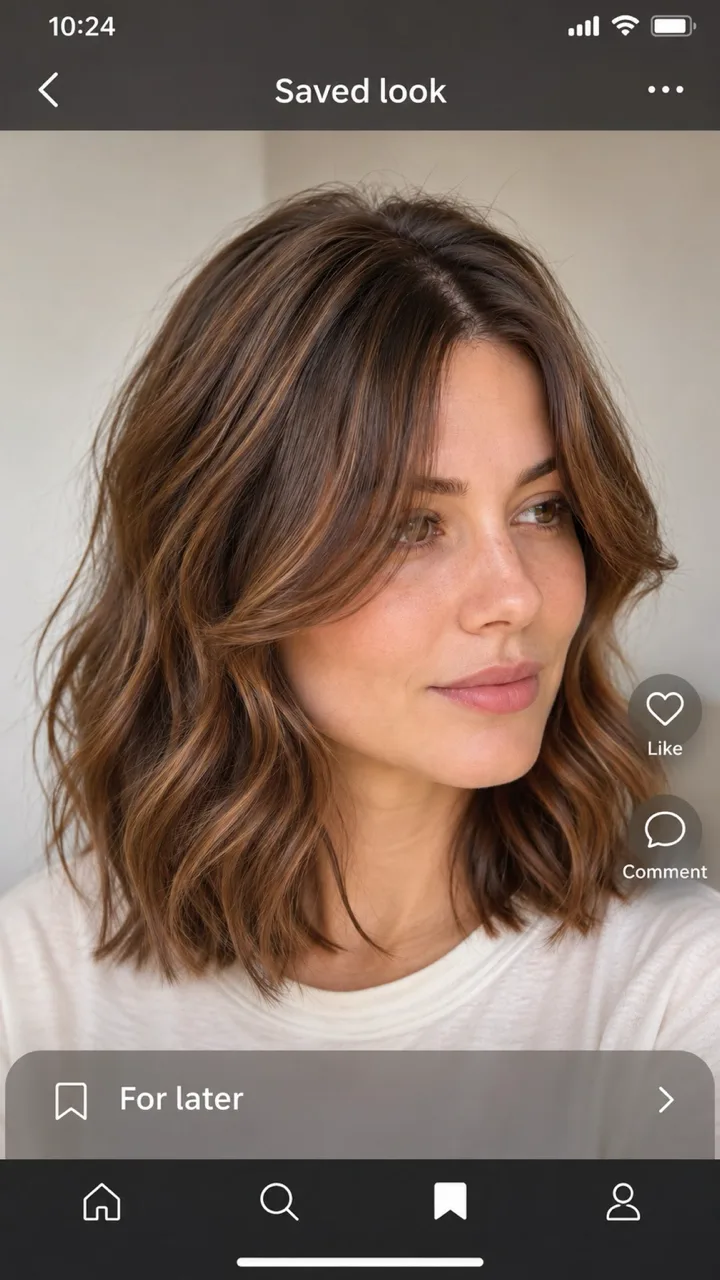
A screenshot she savedThe look
AI preview: the wavy layered cut on her own photo, same face and hair colorAI preview

Real AI previews, made from photos of fictional adults.

05 Show stylist

At the salon, just turn the phone around.

Show stylist puts the whole visit on one calm screen: the card, then each look numbered with its photos, labels and notes. You won’t be scrolling through your camera roll while someone waits with scissors.

  • Wants come first, then warnings, each labeled in words as well as color
  • The screen stays awake; tap any photo to zoom in
  • Works offline and without an account
ThisHaircut Show stylist screen with the stylist card and numbered looks for the visit

Your library stays on your phone.

  • No account to startSaving looks, planning a visit and Show stylist work signed out.
  • AI only when you askNothing leaves your phone until you tap to write a card or try a look on, and those photos aren’t kept afterwards.
  • Pay as you goCredit packs for the AI, no subscription. Everything else is free.
  • No ads, no trackingThe app has no advertising or analytics SDKs.

Questions about the haircut you want

How do I explain to my hairdresser the haircut I want?

Bring photos, and be specific about what you like in each one and what you don’t. ThisHaircut keeps your reference photos together, lets you mark each as Want or Not this, pin a label on the exact spot you mean, and add a note in your own words. At the salon, Show stylist puts it all on one screen, and an optional AI card turns it into short lines a stylist can act on, plus questions to ask before the first cut.

Can ThisHaircut help when my stylist speaks another language?

Yes. Choose the language your stylist reads and the AI writes the card in it, with your own language under each line so you can check what it says. Pick from dozens of languages and regional variants, such as Japanese, Spanish, Korean, Brazilian Portuguese, or Vietnamese, or type any other.

Can I see a haircut on my own face before I get it?

Try it on me places the cut from a saved look on a photo of you. It keeps your face and your hair color and changes only the cut, so you can see whether that fringe or that big chop works on you before you sit in the chair.

Can I save haircut ideas from Instagram, TikTok or Pinterest?

Yes. Screenshot the cut you like and add it from your photo library, or take a photo with the camera. Put several angles of the same cut into one look, crop to the hair, and name it before you forget why you saved it.

Does it work for men’s haircuts and barbers?

Yes. Save your fade, taper or crop references, pin a label on the line you want, and note the guard numbers in your own words. The card turns it into short lines a barber can follow, in the barber’s language.

Do I need an account? Where are my photos kept?

Saving looks, planning a visit, and Show stylist work without an account, and your library stays on your phone. Sign in with Apple or Google when you want the AI card or try-on. The photos you pick are used for that one result and aren’t kept on our server.

How much does ThisHaircut cost?

Saving looks, planning visits and Show stylist are free. The AI card and try-on use credits from packs you buy in the app, with no subscription, and editing a card never costs anything.

Which languages does the app come in?

The app is available in English, Spanish, French, German, Simplified Chinese, Traditional Chinese, Japanese, and Korean. Stylist cards can be written in many more.

Walk in knowing you’ll be understood.

Start with the looks already sitting in your camera roll.

Help and contact · Privacy · Terms

More from LifeVen

All apps